
VitePress
A complete, copy-paste walkthrough: scaffold a new VitePress site, snapshot its rendered home page with Dungbeetle, change a page, and read the semantic diff. It uses the default web capture with the zero-dependency fetch driver — no browser install required.
Prerequisites
- Node.js 22 or newer — runs both VitePress and Dungbeetle (
node --version).
1. Create a new VitePress site
Make a project and run the VitePress setup wizard, accepting the defaults (root ./docs, and yes to adding npm scripts):
mkdir vitepress-site && cd vitepress-site
npm init -y
npm add -D vitepress
npx vitepress init
The wizard adds docs:dev, docs:build, and docs:preview scripts. build outputs static HTML to docs/.vitepress/dist; preview serves it at http://localhost:4173.
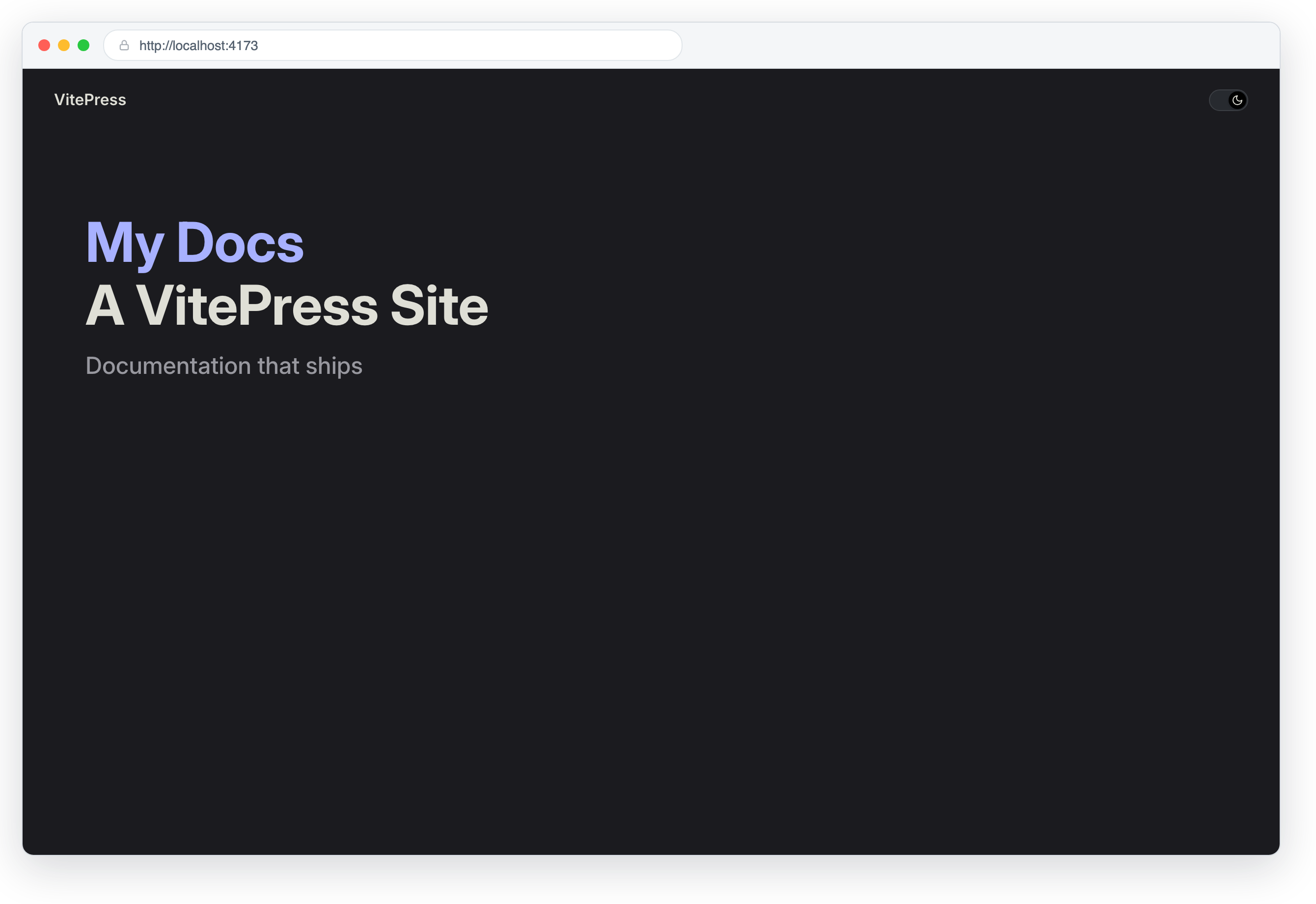
2. Install Dungbeetle
npm install --save-dev dungbeetle
npx dungbeetle --version
3. Scaffold a config
Generate a starter config, then replace it with the one below. It builds the site, starts the preview server, waits until it responds, and snapshots the home page — then shuts the server down:
npx dungbeetle init{
"version": 1,
"project": { "name": "vitepress-site" },
"baselinesDir": "dungbeetle.snapshots",
"artifactsDir": ".dungbeetle/artifacts",
"lifecycle": {
"setup": ["npm run docs:build"],
"start": ["npm run docs:preview"],
"wait": { "url": "http://localhost:4173", "timeoutMs": 30000 },
"capture": [
{ "kind": "web", "name": "home", "url": "http://localhost:4173" }
]
}
}The web target uses the default fetch driver (no Playwright, no browser). See Web snapshots and the full configuration reference.
4. Validate the setup
npx dungbeetle doctor5. Capture the first baseline
npx dungbeetle updateDungbeetle builds the site, boots the preview server, waits for http://localhost:4173, captures a structured DOM snapshot of the home page, writes it under dungbeetle.snapshots/, and stops the server. Commit the baseline:
git add dungbeetle.snapshots
git commit -m "Add Dungbeetle baseline for docs home"
6. Make a change and compare
Edit the home page hero in docs/index.md — for example, change the tagline in the frontmatter:
hero:
  tagline: Snapshot-tested docs
Now compare current output against the baseline:
npx dungbeetle testtest rebuilds, re-captures, and exits non-zero because the DOM changed. The diff is semantic — a node-level text-changed, not a pixel blob.
7. Read the report
npx dungbeetle ci --json report.json --html report.html
open report.html # macOS; use xdg-open on LinuxScreencast: doctor → the edited docs/index.md fails test with a semantic diff → update accepts it → test passes.
Flow video — the terminal session replayed, then the served page with its change, then the failing run's HTML report.
8. Accept the new baseline
npx dungbeetle update
git add dungbeetle.snapshots && git commit -m "Update docs home baseline"
9. Review in the cloud
Push a run to a Dungbeetle server and the review UI shows the hero change as both a semantic DOM diff and a before/after screenshot comparison.
Screencast: sign in → open the failing run → semantic diffs, screenshot comparison with onion skin → approve and promote the new baselines.
Next steps
- Snapshot more pages — add a
webtarget per route (/markdown-examples,/api-examples). - Need browser-rendered DOM, accessibility, or screenshots? Switch to the Playwright driver.
- Wire
npx dungbeetle ciinto CI, or push runs to the cloud server to review diffs in a browser without committing baselines.