
Go
A complete, copy-paste walkthrough: start a new Go HTTP service (standard library, no dependencies), snapshot its rendered page with Dungbeetle, change a handler, and read the semantic diff. It uses the default web capture with the zero-dependency fetch driver — no browser install required. A CLI variant is at the end.
Prerequisites
- Go 1.21+ (
go version). - Node.js 22 or newer — Dungbeetle's runtime (
node --version).
1. Create a new Go service
Make a project, initialize a module, and write a minimal net/http server:
mkdir go-service && cd go-service
go mod init example.com/go-service
Create main.go:
package main

import (
	"fmt"
	"net/http"
)

func main() {
	http.HandleFunc("/", func(w http.ResponseWriter, r *http.Request) {
		fmt.Fprint(w, "<html><body><h1>Hello from Go</h1></body></html>")
	})
	http.ListenAndServe(":8080", nil)
}
Run it to confirm it serves at http://127.0.0.1:8080:
go run .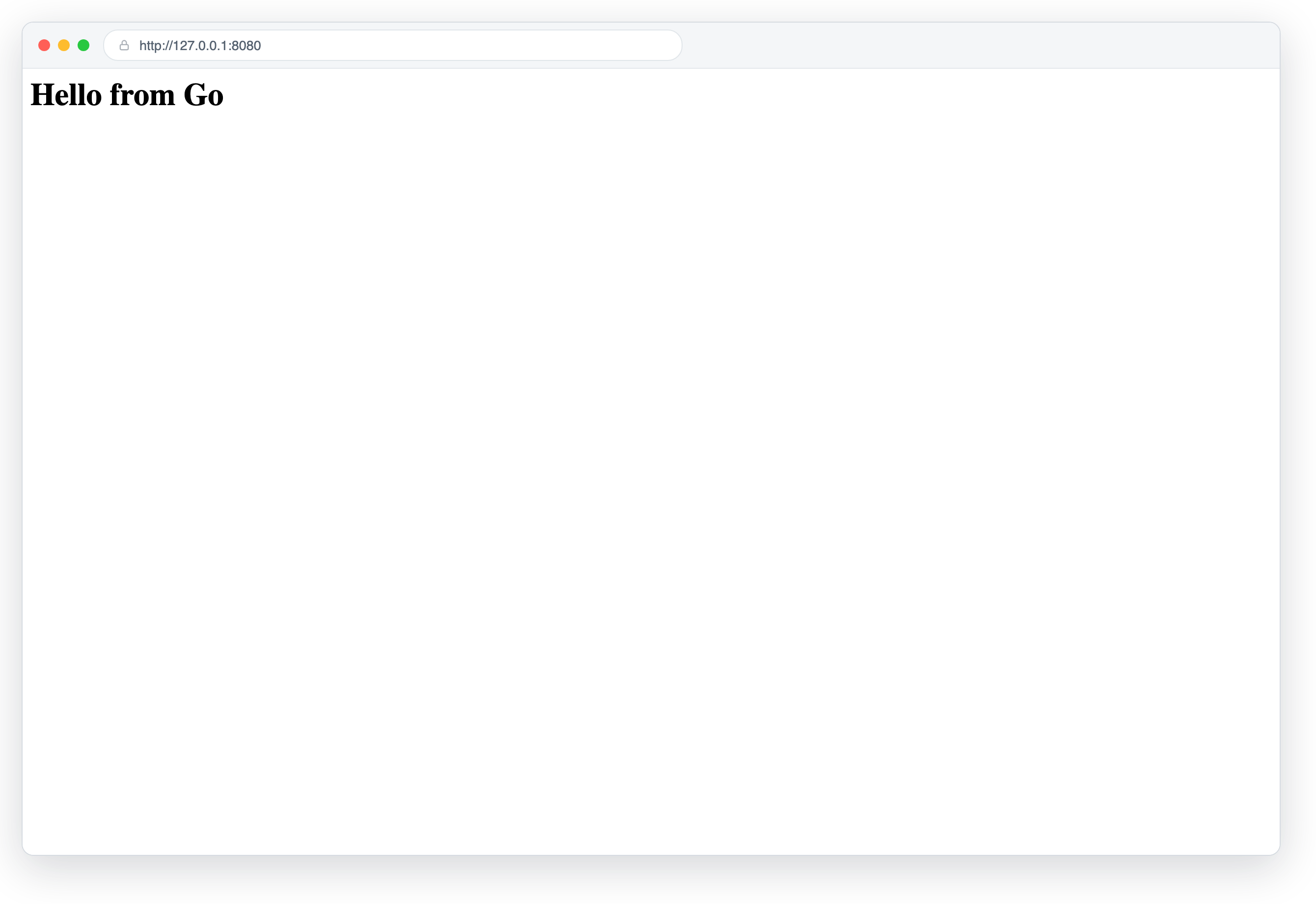
2. Install Dungbeetle
npm install --save-dev dungbeetle
npx dungbeetle --version
This adds a package.json to the project; commit it alongside your Go code.
3. Scaffold a config
Generate a starter config, then replace it with the one below. It starts the service, waits until it responds, and snapshots the page — then shuts the service down:
npx dungbeetle init{
"version": 1,
"project": { "name": "go-service" },
"baselinesDir": "dungbeetle.snapshots",
"artifactsDir": ".dungbeetle/artifacts",
"lifecycle": {
"start": ["go run ."],
"wait": { "url": "http://127.0.0.1:8080", "timeoutMs": 30000 },
"capture": [
{ "kind": "web", "name": "index", "url": "http://127.0.0.1:8080" }
]
}
}The web target uses the default fetch driver (no Playwright, no browser). See Web snapshots and the full configuration reference.
4. Validate the setup
npx dungbeetle doctor5. Capture the first baseline
npx dungbeetle updateDungbeetle boots the service, waits for http://127.0.0.1:8080, captures a structured DOM snapshot, writes it under dungbeetle.snapshots/, and stops the service. Commit the baseline:
git add dungbeetle.snapshots
git commit -m "Add Dungbeetle baseline for index route"
6. Make a change and compare
Edit the heading in main.go:
fmt.Fprint(w, "<html><body><h1>Hello from Example Service</h1></body></html>")Now compare current output against the baseline:
npx dungbeetle testtest boots the service again, re-captures, and exits non-zero because the DOM changed. The diff is semantic — a node-level text-changed, not a pixel blob.
7. Read the report
npx dungbeetle ci --json report.json --html report.html
open report.html # macOS; use xdg-open on LinuxScreencast: doctor → the edited main.go fails test with a semantic diff → update accepts it → test passes.
Flow video — the terminal session replayed, then the served page with its change, then the failing run's HTML report.
8. Accept the new baseline
npx dungbeetle update
git add dungbeetle.snapshots && git commit -m "Update index baseline"
Snapshot a CLI instead
For a command-line binary, capture stdout/stderr with a terminal target instead of a web one — no server needed. Build first, then snapshot:
{
  "version": 1,
  "project": { "name": "go-cli" },
  "lifecycle": {
    "setup": ["go build -o yourtool ."],
    "capture": [
      { "kind": "terminal", "name": "help", "command": "./yourtool --help" }
    ]
  }
}
dungbeetle update / test then snapshot and diff the command's output, with ANSI normalized to stable structured segments.
9. Review in the cloud
Push a run to a Dungbeetle server and the review UI shows the whole story in one place: the DOM's semantic diff, the cart-api JSON diff with its numeric changes, and before/after screenshots from the Playwright driver.
Screencast: sign in → open the failing run → semantic diffs, screenshot comparison with onion skin → approve and promote the new baselines.
Next steps
- Add a
webtarget per route, or mixwebandterminaltargets in one config. - Frameworks like Gin or Echo work the same way — point
startat your run command and setwait.urlto match the listen address. - Need browser-rendered DOM or screenshots? Use the Playwright driver. Push runs to the cloud server to review diffs in a browser.