
Laravel
A complete, copy-paste walkthrough: start a new Laravel app, snapshot its welcome page with Dungbeetle, introduce a change, and read the semantic diff. It uses the default web capture with the zero-dependency fetch driver — no browser install required.
Prerequisites
- PHP 8.2+ and Composer — to create and serve the Laravel app.
- Node.js 22 or newer — Dungbeetle's runtime (
node --versionto check).
1. Create a new Laravel app
Scaffold a fresh project with Composer and move into it:
composer create-project laravel/laravel example-app
cd example-app
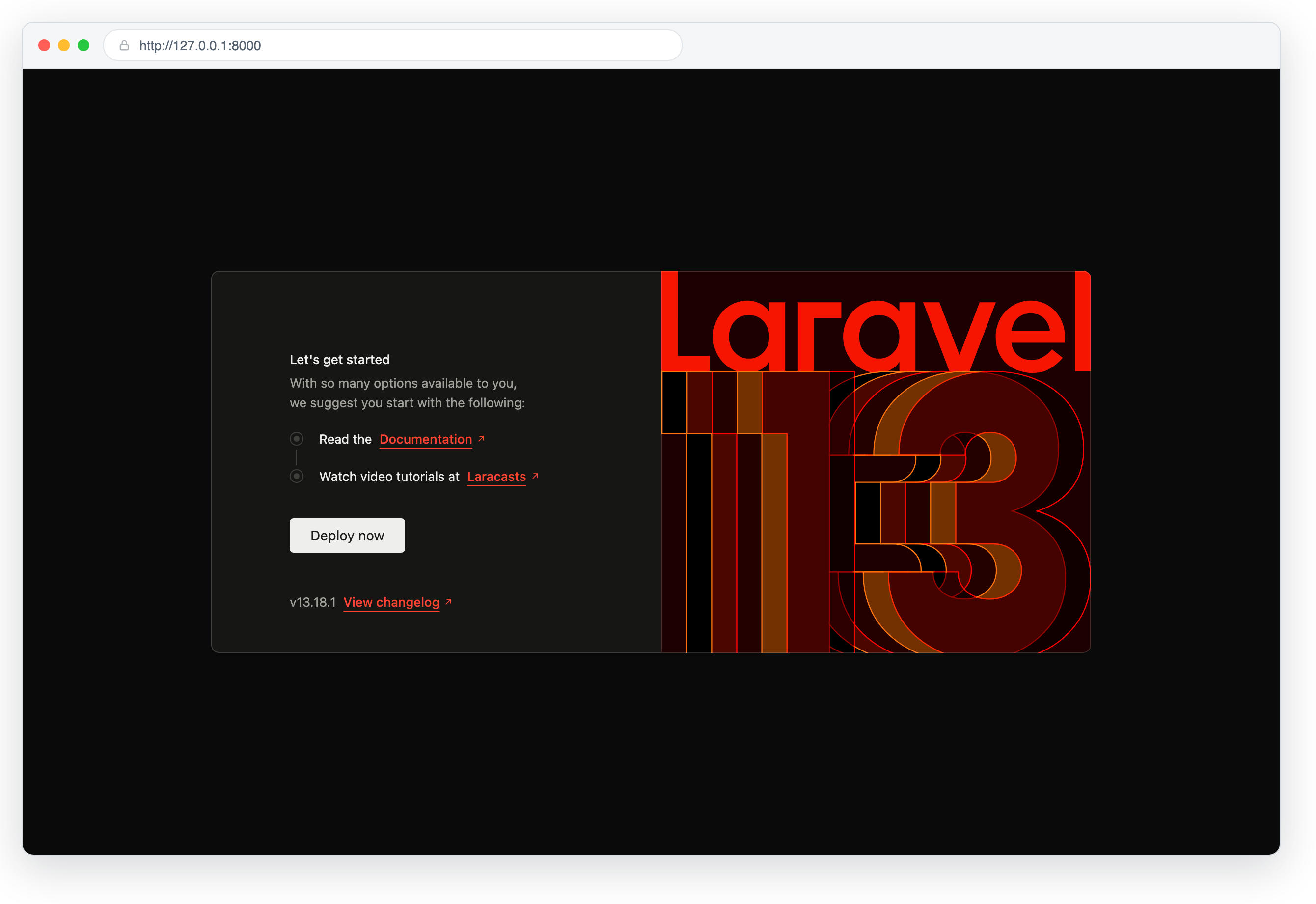
That gives you Laravel's default welcome page, served at http://127.0.0.1:8000 by php artisan serve.
2. Install Dungbeetle
Add Dungbeetle as a dev dependency so the version is pinned per project:
npm install --save-dev dungbeetle
npx dungbeetle --version
3. Scaffold a config
Generate a starter dungbeetle.config.json:
npx dungbeetle initinit detects the Laravel app via composer.json and scaffolds check targets for it automatically — routes, about, schedule, schema, plus tests/style/static-analysis for whichever tools are installed. Those work as-is (step 9 puts them through their paces). For this walkthrough's welcome-page snapshot, replace the config with the one below. It tells Dungbeetle to start the Laravel dev server, wait until it responds, and snapshot the welcome page — then shut the server down afterward:
{
  "version": 1,
  "project": { "name": "example-app" },
  "baselinesDir": "dungbeetle.snapshots",
  "artifactsDir": ".dungbeetle/artifacts",
  "lifecycle": {
    "start": ["php artisan serve"],
    "wait": { "url": "http://127.0.0.1:8000", "timeoutMs": 30000 },
    "capture": [
      { "kind": "web", "name": "welcome", "url": "http://127.0.0.1:8000" }
    ]
  }
}
Everything here is a default-friendly choice: baselines land in dungbeetle.snapshots/, artifacts in .dungbeetle/artifacts/, and the web target uses the default fetch driver (no Playwright, no browser). See Web snapshots and the full configuration reference for every option.
4. Validate the setup
Catch config and readiness problems before capturing anything:
npx dungbeetle doctor5. Capture the first baseline
npx dungbeetle updateDungbeetle boots php artisan serve, waits for http://127.0.0.1:8000, captures a structured DOM snapshot of the welcome page, writes it under dungbeetle.snapshots/, and stops the server. Commit the baseline — it's the reviewable record of your app's output:
git add dungbeetle.snapshots
git commit -m "Add Dungbeetle baseline for welcome page"
6. Make a change and compare
Edit the welcome view so the output differs — for example, change the heading in resources/views/welcome.blade.php:
<h1>Welcome to Example App</h1>Now compare current output against the baseline:
npx dungbeetle testtest boots the server again, re-captures, and exits non-zero because the DOM changed. The diff is semantic — a node-level text-changed, not a pixel blob.
7. Read the report
Generate an HTML report and open it:
npx dungbeetle ci --json report.json --html report.html
open report.html # macOS; use xdg-open on LinuxScreencast: doctor → the edited Blade view fails test with a semantic diff → update accepts it → test passes.
Flow video — the terminal session replayed, then the served page with its change, then the failing run's HTML report.
8. Accept the new baseline
Once the change is intended, promote it to the new baseline and commit:
npx dungbeetle update
git add dungbeetle.snapshots && git commit -m "Update welcome baseline"
9. Snapshot the app's shape
The scaffolded check targets from step 3 snapshot what the app is, not just what it renders — every route with its middleware, the scheduled jobs, the database schema, the test suite's results, and style/static analysis when Pint or Larastan are installed. Each is one line of config:
{ "kind": "check", "name": "routes", "tool": "laravel-routes" }Baseline them all at once:
npx dungbeetle update && git add dungbeetle.snapshots && git commit -m "Baseline app shape"Now make a risky change — remove a route, or run a migration that drops a column — and npx dungbeetle test names it precisely:
~ $.data.GET|HEAD /orders: {"middleware":["web","auth"],…} → undefined
~ $.data.users.nickname: "varchar" → undefined
A route that lost its auth middleware, a dropped column, a newly failing test — each is one named line in the diff, not a wall of tool output.
Screencast: init detects the Laravel app and scaffolds the check targets → baseline → a renamed route fails test with the route and the Feature test that hits it, both named.
10. Review in the cloud
Push a run to a Dungbeetle server to review and approve these diffs in a browser — without committing baselines to the repo:
npx dungbeetle ci --json .dungbeetle/ci-report.json --with-snapshots --json-only
DUNGBEETLE_CLIENT_ID=cid_… DUNGBEETLE_CLIENT_SECRET=csec_… \
  npx dungbeetle push --report .dungbeetle/ci-report.json --branch main
Pushes go to the hosted cloud by default. Self-hosting? Point the CLI at your server with --server <url> or DUNGBEETLE_SERVER_URL.
The review UI renders each check target as a risk-first table — the removed route, the dropped column, and the newly failing test sort to the top with summary chips on the clean targets:
Screencast: sign in → open the failing run → read the risk-first check tables → approve and promote the new baselines.
See Push runs and baselines for the API details.
Next steps
- Add more targets — extra routes, JSON API responses, or an Artisan command via a
terminalcapture. - Need browser-rendered DOM, accessibility, or screenshots? Switch the target to the Playwright driver.
- Wire
npx dungbeetle ciinto CI, or push runs to the cloud server to review diffs in a browser without committing baselines.